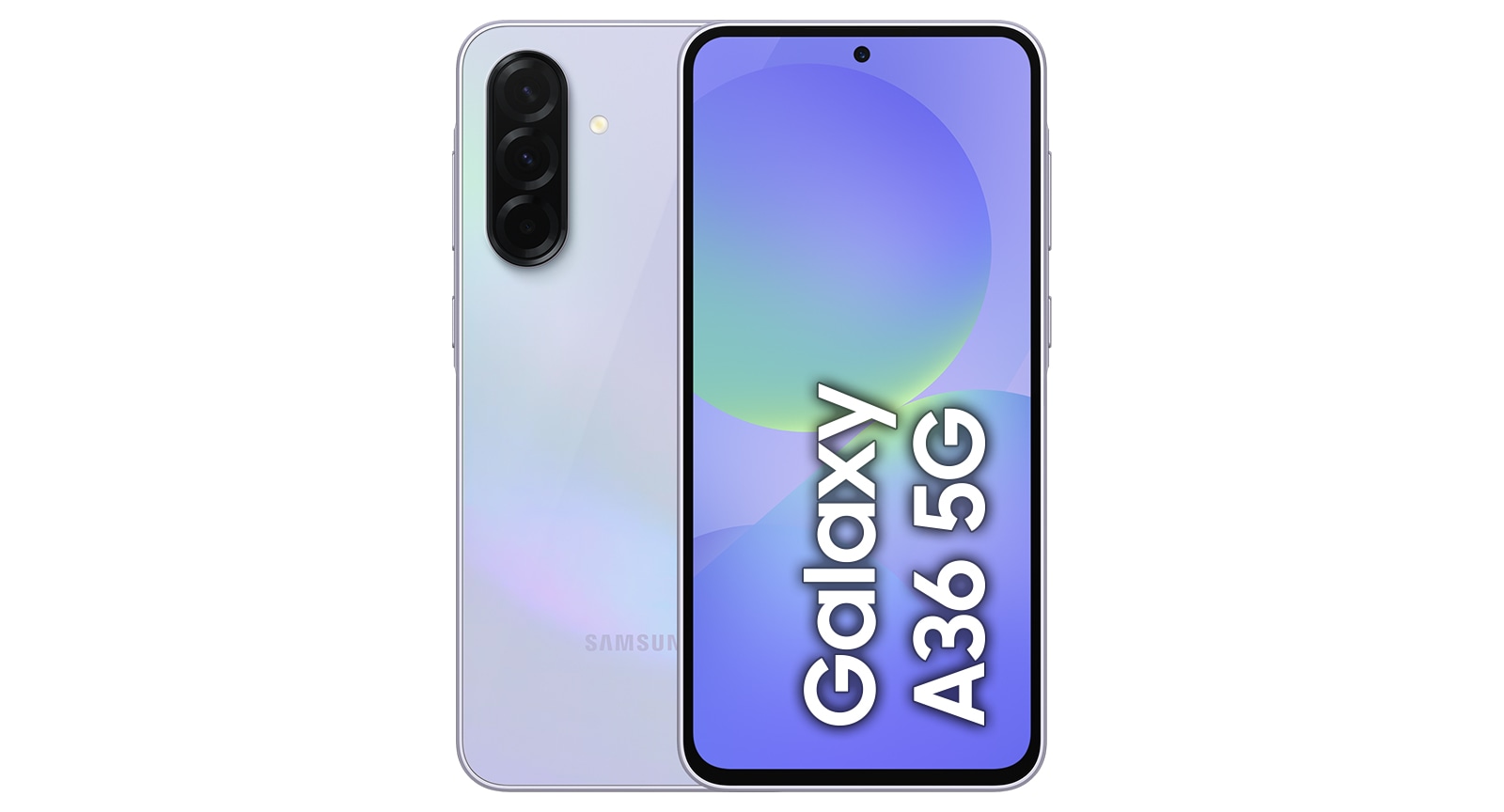
Galaxy A36 5G
Your deal gets better when you log in
Buy Galaxy A36 now and save up to 10 JOD when you login
Free Shahid Subscription
Get free 3 months Shahid subscription valid until 30th Sep 2026
Buying Tool
Purchase Option
Offers
Samsung.com Advantage
Offers
Reached maximum order quantity for this product.
FAQ
Click to Expand-
A. Galaxy A36 5G features a sleek, 6.7" FHD+ Super AMOLED display with a durable glass back and an IP67 rating, ensuring resistance to dust and water. With options for 6GB, 8GB or 12GB Memory and 128GB or 256GB Storage, you'll have ample space to snap your best shots and store all your favorite photos and videos. Rest easy knowing your files and sensitive data are secure with EAL5+ certified Samsung Knox Vault, paired with 6 generations of OS upgrades and 6 years of security updates.
-
A. Galaxy A36 5G is the ideal companion for gaming, social media and entertainment. Powered by an Octa-core processor with a 15% larger vapor chamber and 5,000 mAh battery, Galaxy A36 5G offers smoother gameplay and long-lasting performance. Enjoy crisp, fluid visuals with a 120 Hz refresh rate and 1,200 nits brightness, ideal for streaming and watching videos. Capture stunning selfies with the 12 MP front camera and Video HDR, remove unwanted objects with Object Eraser and enhance your photos with one-of-a-kind Filters.
-
A. The main difference between Galaxy A36 5G and Galaxy A35 5G is that Galaxy A36 5G has a larger 6.7" FHD+ Super AMOLED display with a higher peak brightness of 1,200 nits, slimmer bezels and a sleeker design. In contrast, Galaxy A35 5G features a 6.6" FHD+ Super AMOLED display with a peak brightness of 1,000 nits. Galaxy A36 5G also offers a 12 MP front camera with video HDR, 45 W for faster charging, 6 generations of OS and 6 years of security updates, versus the 13 MP front camera of the Galaxy A35 5G which supports 25 W charging, 4 generations of OS and 5 years of security updates.
-
A. Improve your experience by connecting and controlling your devices with ease. Simply pair your Galaxy A36 5G with Galaxy Fit3 to track your fitness, and connect to your Galaxy Buds FE to listen to your favorite tunes. Then, manage your devices seamlessly within the Galaxy Ecosystem.
-
A. If you're looking for a more affordable Samsung Galaxy smartphone that still offers great features, Galaxy A series is an excellent choice. With a reasonable price, you can take amazing photos, binge-watch your favorite show with less battery issues and more.
-
A. Select from a variety of accessories depending on your unique needs. From the Silicone Case, Clear Case or Card Slot Case for daily convenience, to the Rugged Case and Screen Protector for additional protection, find the best choice for you.
-
A. When you buy your smartphone on Samsung.com, you have easy access to authentic devices and Samsung services. You'll also stay informed about benefits and events happening on Samsung.com, while enjoying quick shipping and customer service, all handled by Samsung. Any issues or questions you have will be addressed directly by us, so you can have the best experience from purchase to servicing.
-
A. <span style="font-size:12px;"> 1. Wired transfers from Android™ devices require the receiving device to have Android™ 4.3 or later and the sending device to have Android 4.3™ or later. Transfers can be completed without a cable through a wireless connection. For wireless connections, the receiving device must have Android™ 4.0 or later and the sending device must have Android™ 4.0 or later. Open Smart Switch Mobile in “Settings” on the receiving Galaxy device or download the Smart Switch Mobile app from the Galaxy Store. Data, content and apps available for transfer may vary by transmission method.<br> 2. Wired transfers from iOS require the receiving device to have Android™ 4.3 or later and the sending device to have iOS 5 or later. Transfers can be completed without a cable through a wireless connection or iCloud. For wireless connections, the receiving device must have Android™ 4.0 or later and the sending device must have iOS 12 or later. iCloud transfers require the receiving device to have Android™ 4.0 or later and the sending device to have iOS 5 or later. Open Smart Switch Mobile in “Settings” on the receiving Galaxy device or download the Smart Switch Mobile app from the Galaxy Store. For wireless transfers, download Smart Switch for iOS from the App Store on your iPhone or iPad. Data, content and apps available for transfer may vary by transmission method. Contacts, gallery, videos, calendars and reminders can be transferred wirelessly from an iOS device.<br> 3. It is recommended to use a wired connection when transferring diverse sets of data at once. </span>