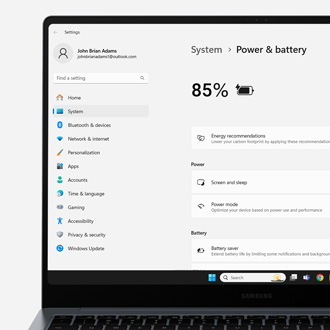
Reduced battery life on Samsung PC
Close any programs that are in use.
Disconnect the AC Adapter.
Restart and run Samsung BIOS configuration.
Run the Smart Battery Calibration.
Charge the battery.
After the battery has been completely discharged, connect the AC adapter to your PC and charge the battery. You can use the PC while the battery charges, or leave it off until it's been fully charged.
You can refer to our battery charging guide for charging tips, precautions, and steps for prolonging your battery life.
Contact Samsung Support