Cannot use YouTube's fullscreen mode on your Galaxy phone or tablet
Use gestures to fill the screen.
YouTube automatically fits videos to the screen without losing the picture quality. If you would prefer to completely fill the screen, perform the gestures below.
- Spread two fingers on the screen to zoom in.

- Pinch two fingers on the screen to view the original video size.

Check your internet connection.
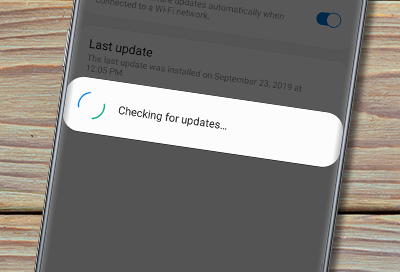
Update the YouTube app.
Clear cache and data.
Restart your device.
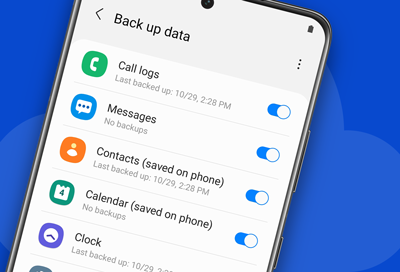
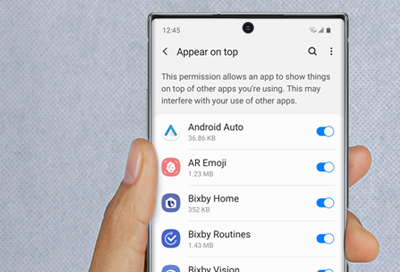
Check your settings, if applicable to your device.
Try a different browser or app.
Check for device compatibility.
Contact YouTube support.
Contact Samsung Support