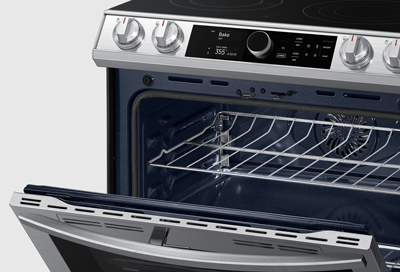
Door will not close on Samsung oven
Make sure the racks are inserted correctly.
If the door was recently removed, reattach it correctly.
See your user manual for instructions for how to remove and reattach the door properly. When attaching the door, make sure the hinges where the door attaches to the oven are not in an "unlocked" position, such as extended all the way out or bent up or down.

Make sure the door latch is in the right position.
If the door latch fails to engage the door catch at the top of the door, it will stay in the "locked" position and will not automatically go back to the initial position. The door will also not close completely.
- To reset the door latch to the right position, press the Child Lock button for 3 seconds while holding down the door plunger switch. The door plunger switch is a small button-like piece near the top of the door frame that can be pushed into the oven, and is normally pushed in by the door when the door is closed.

- Apply light pressure to the door latch for about 20 seconds or as long as it takes for the latch to move back to the normal, opened position.

Request service.
Contact Samsung Support


