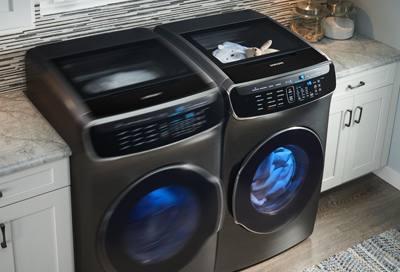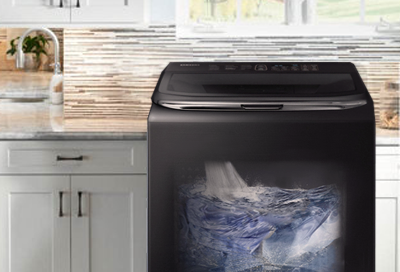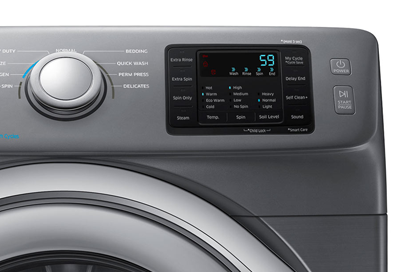
The Samsung washer door is locked
Your washer door locks to prevent water from coming out (especially for front load models). Child Lock also will lock the door on some models, like front loaders. Normally waiting for the cycle to end is all you need to do to unlock the door, or turn your washer on if it's off. If you get stuck, though, you can drain the water from front load washe